







Design, Engineer & Manufacture Custom Coins Without Limits
Looking for high-quality custom coins that stand out?
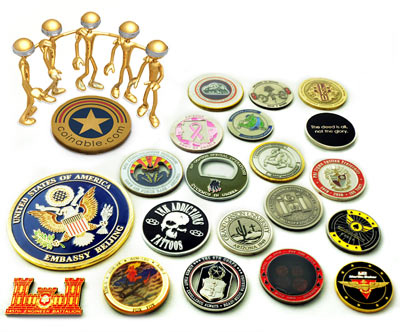
Coinable is a professional custom coin manufacturer producing fully finished custom coins. We specialize in high-detail, precision-minted coins with unlimited configuration options.
With over 86+ billion possible combinations of size, metal, finish, edge detail, and specialty features — your custom coin can be engineered exactly the way you envision it.
Coinable.com creates custom challenge coins with a minimum order of 50 pieces. We do not produce single coins because each design requires setup, tooling, and press preparation. A 100 custom coins allows the stamping process to run efficiently and delivers the best value for custom challenge coins.
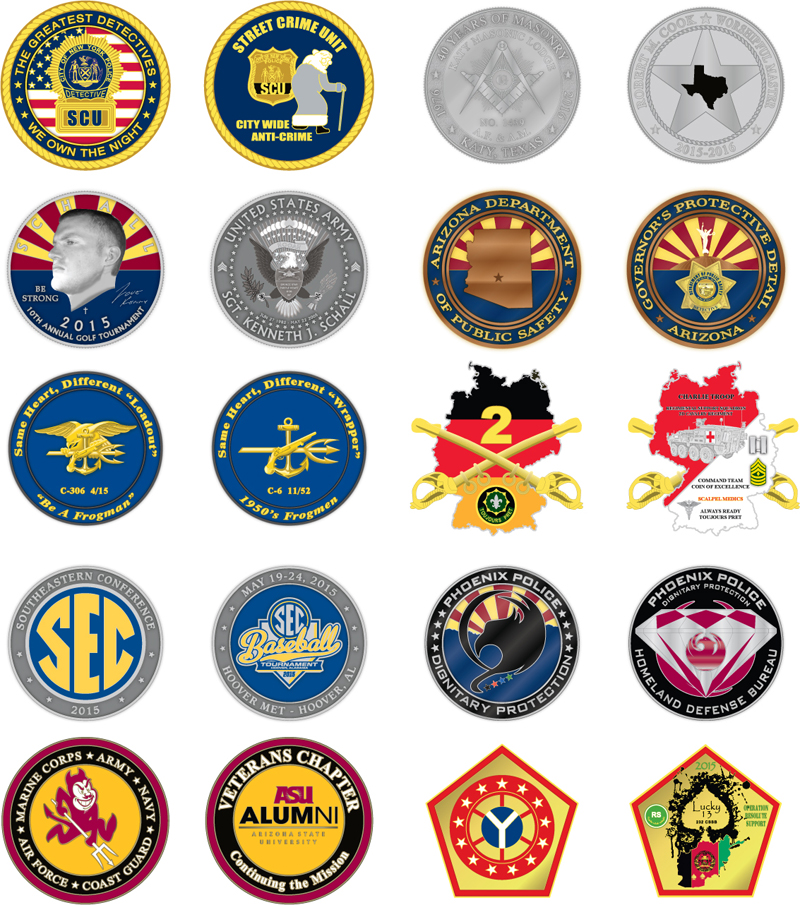
Whether you need custom challenge coins, commemorative coins, corporate recognition coins, collectible series, or business card coins — we manufacture coins built to impress.
Enter the dashboard before the first quote.
Create a profile and receive future Coinable updates and specials. Your account is built to keep projects, selections, updates, and reorders connected.
|
STEP 1
CREATE PROFILE
Secure your customer dashboard.
|
STEP 2
START PROJECT
Choose product, size, and features.
|
|
STEP 3
COMPARE
Review quantities and configurations.
|
STEP 4
ORDER & REORDER
Checkout and return without starting over.
|
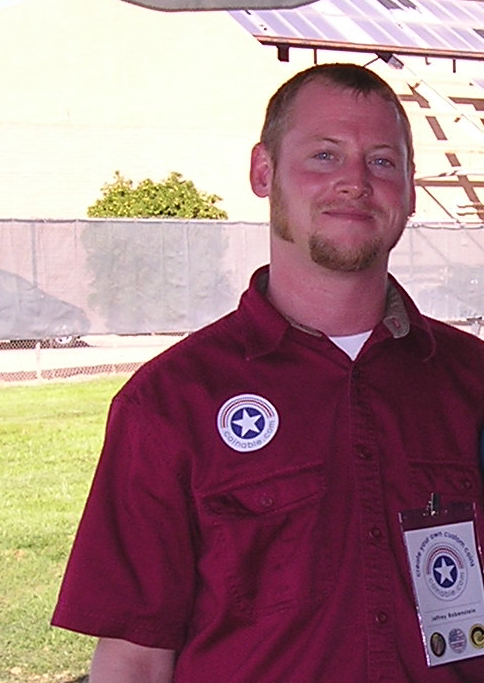
U.S. Navy Veteran Owned & Operated –
Exceeding military-grade…
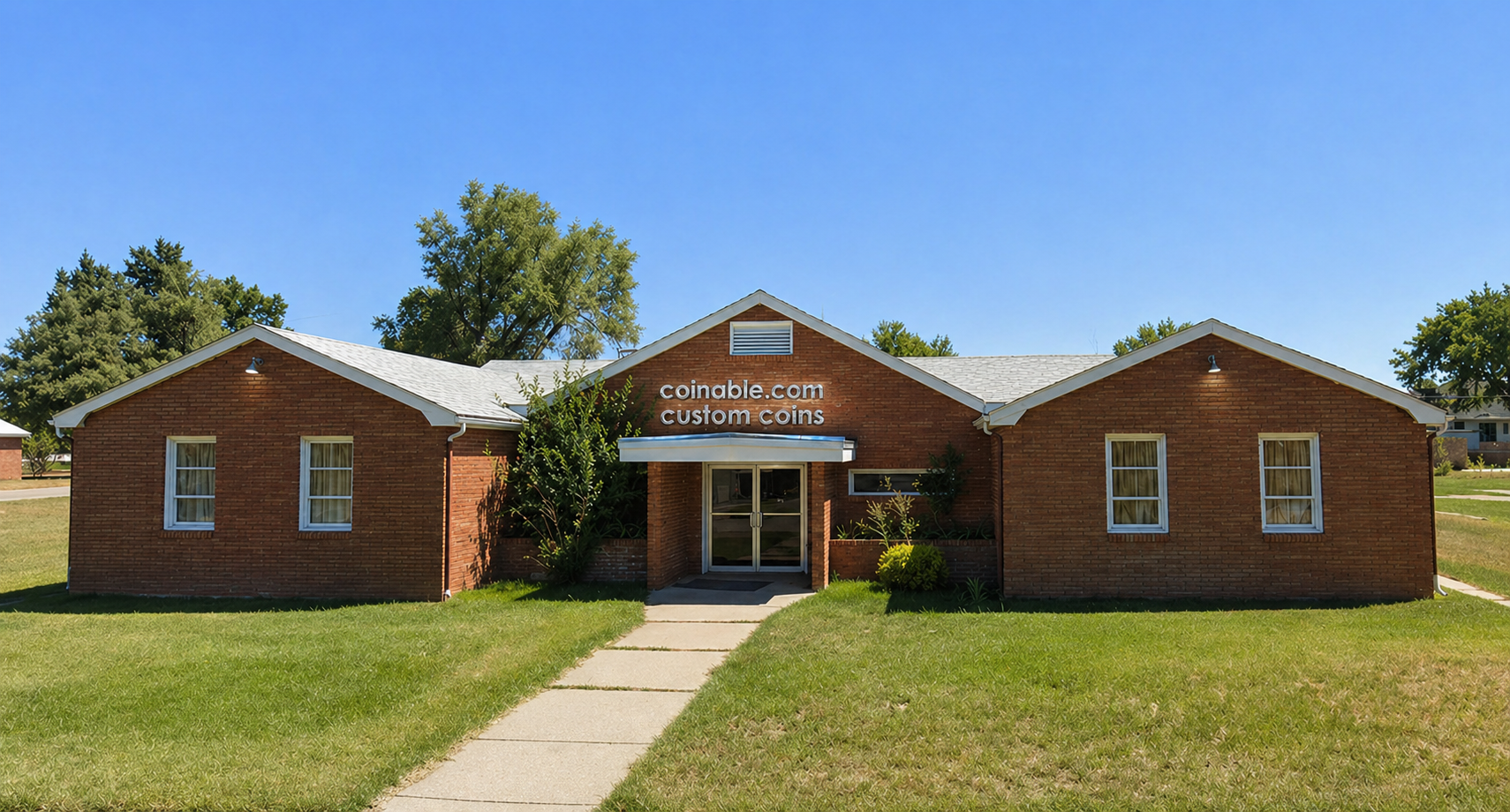
Our new custom coin headquarters…
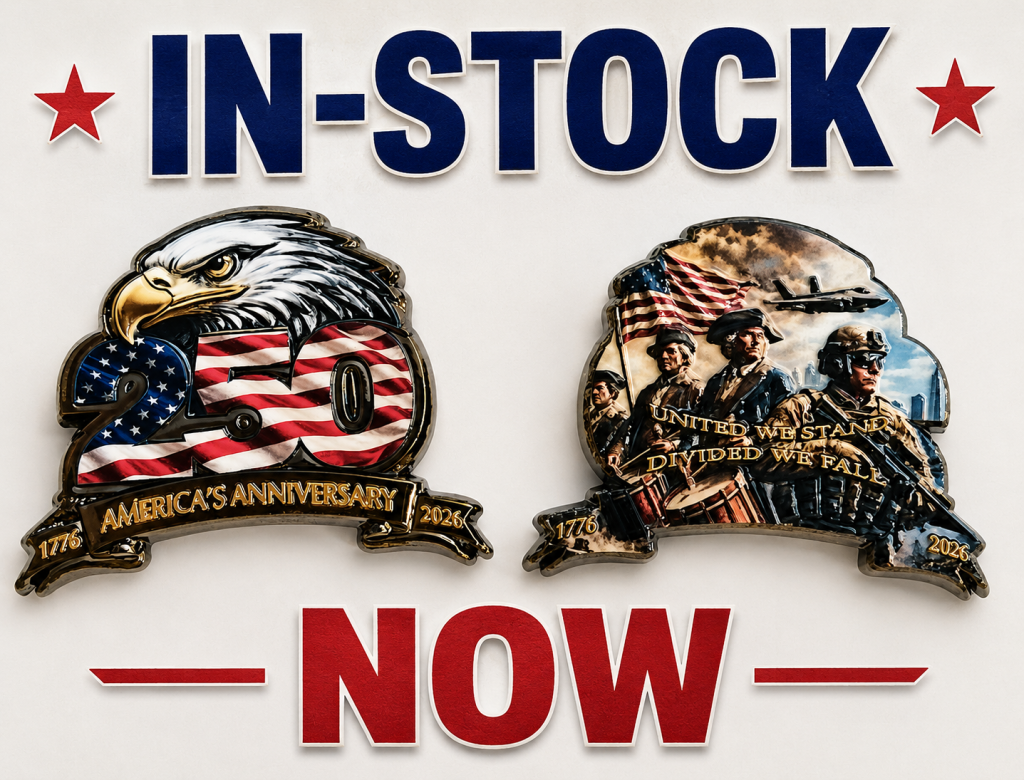
Why Choose Coinable for Custom Coins?
When ordering custom coins, quality, detail, and finish matter.
At Coinable, we focus on:
- Precision die striking
- Premium metal plating
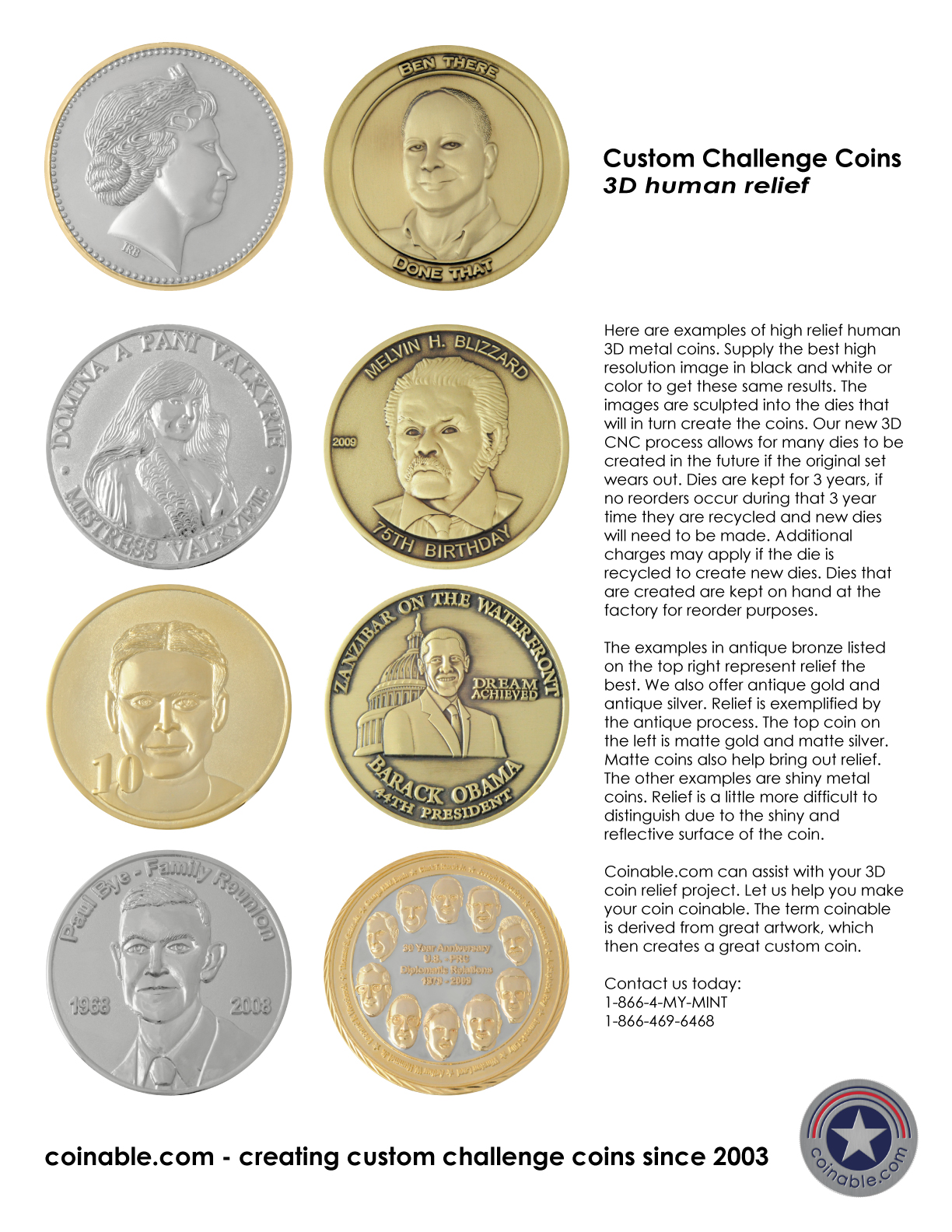
- Deep relief sculpting
- High-end enamel finishes
- Custom edge treatments
- Global supplier optimization
- Competitive bulk pricing
We manufacture custom metal coins built around your exact specifications.
The Complete Custom Coin Manufacturing Process
Understanding how custom coins are made helps you design better.
Here’s how your coin moves from concept to delivery.
1. Custom Coin Design & Engineering
Every custom coin starts with purpose.
We help you define:
- Coin diameter and thickness
- Base metal selection
- Finish and plating type
- Raised vs recessed areas
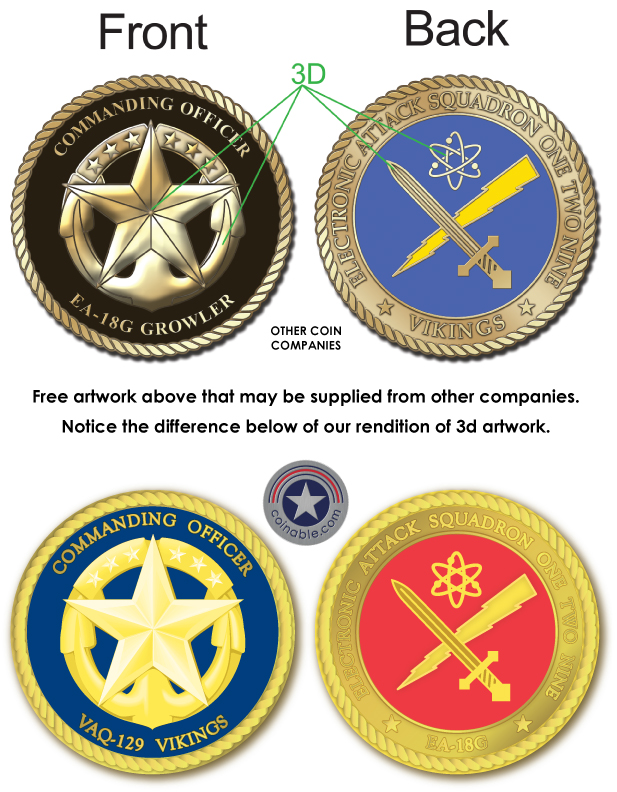
- 2D or 3D sculpting
- Color fill options
- Edge detailing
- Packaging requirements
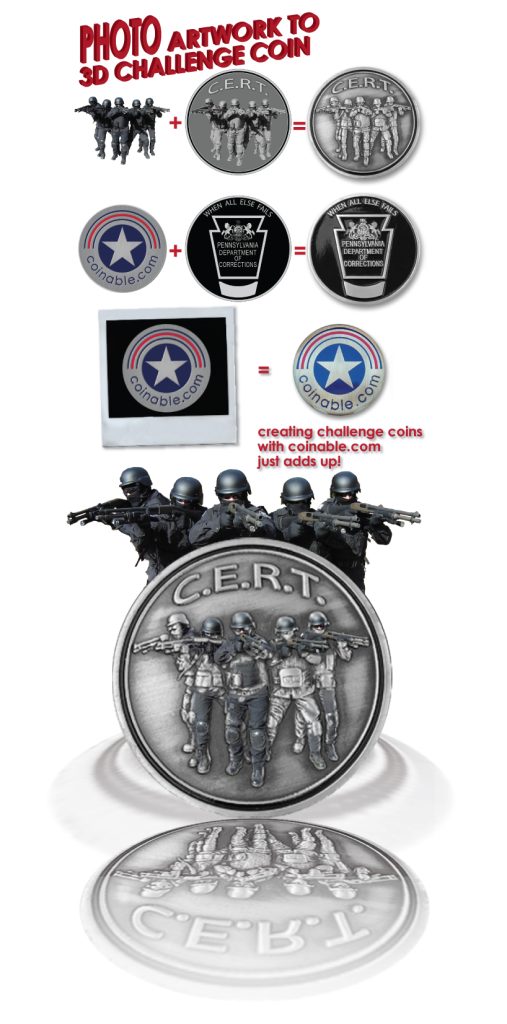
If you already have artwork, we convert it into production-ready die/mold files.
If you don’t, we help refine your concept for manufacturing.
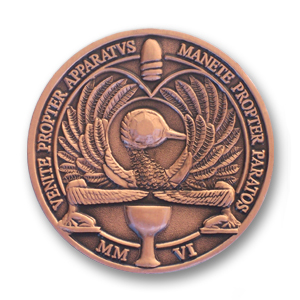
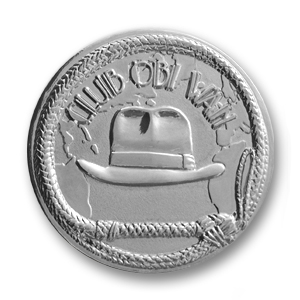
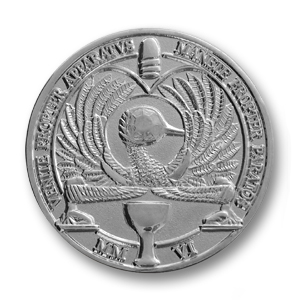
2. Custom Coin Die/Mold Creation
Your approved custom coin design is engraved into steel dies, then hardened.
This determines:
- Relief depth
- Fine line detail
- Text sharpness
- 3D contouring
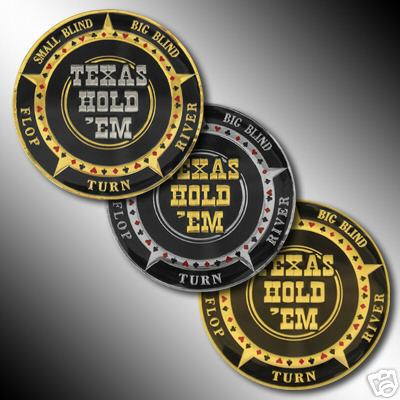
High-relief custom coins create dramatic shadows and depth that elevate the finished piece.
3. Coin Striking & Forming
Metal blanks are struck under high pressure to imprint your design into the surface.
This stage creates:
- Raised logos
- Recessed backgrounds
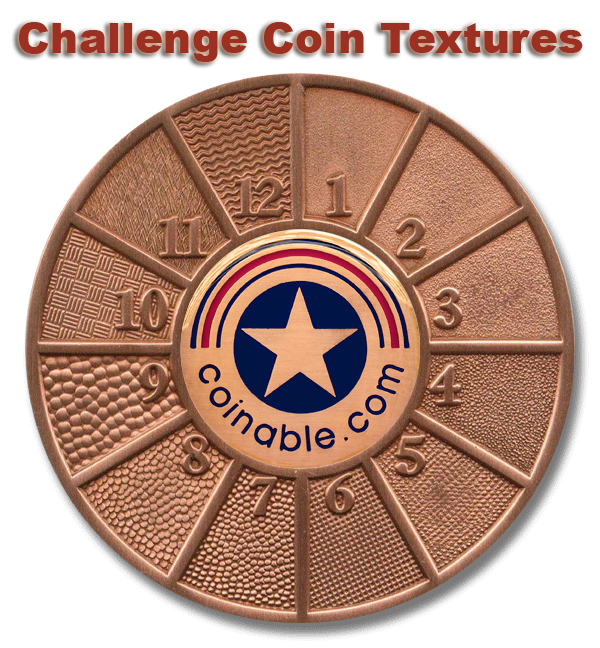
- Texture patterns
- Sculpted elements
Our manufacturing partners are selected based on your coin’s complexity to ensure maximum detail and consistency.
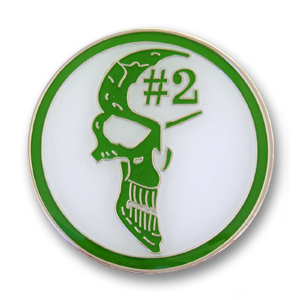
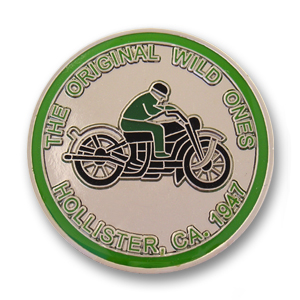
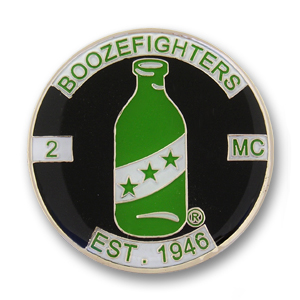
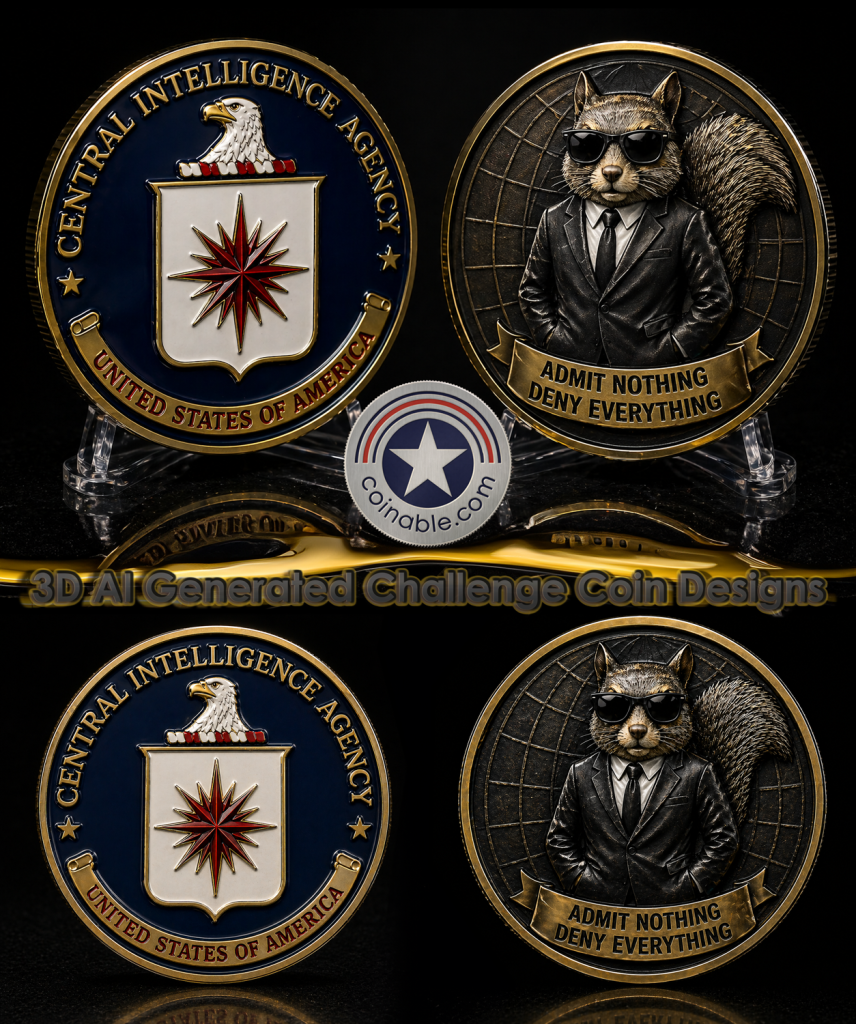
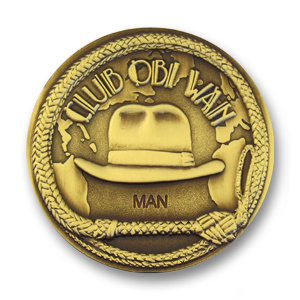
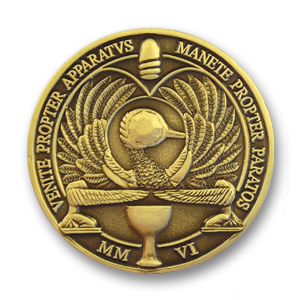
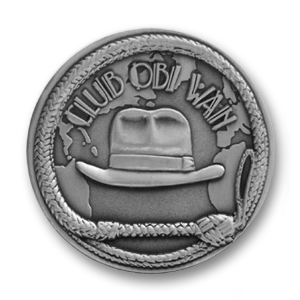
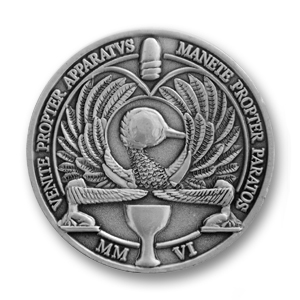
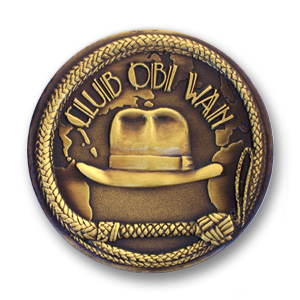
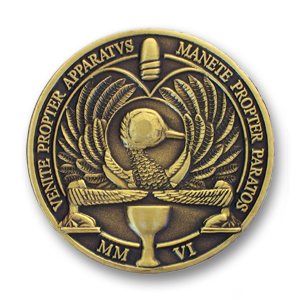
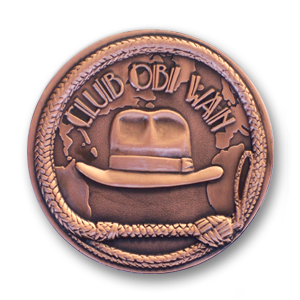
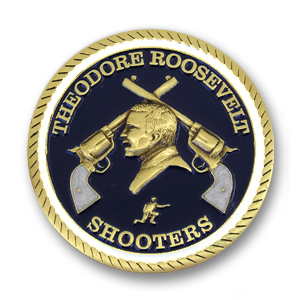
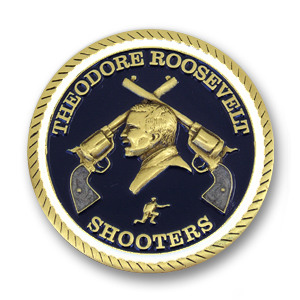
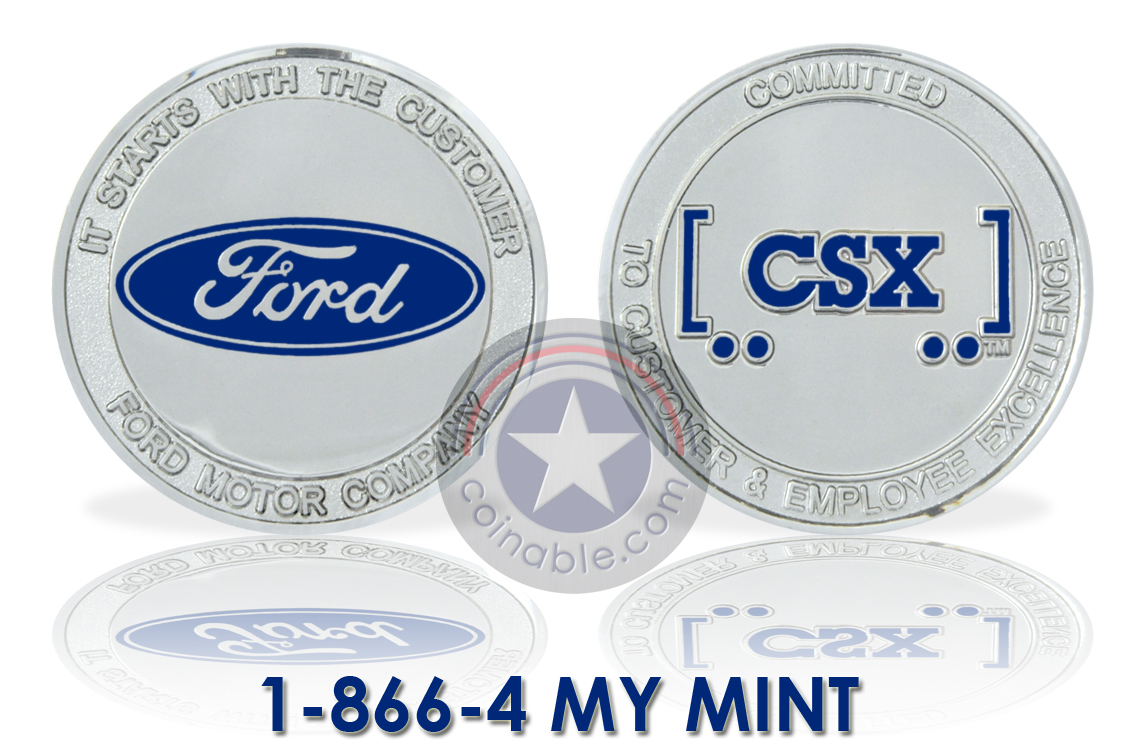
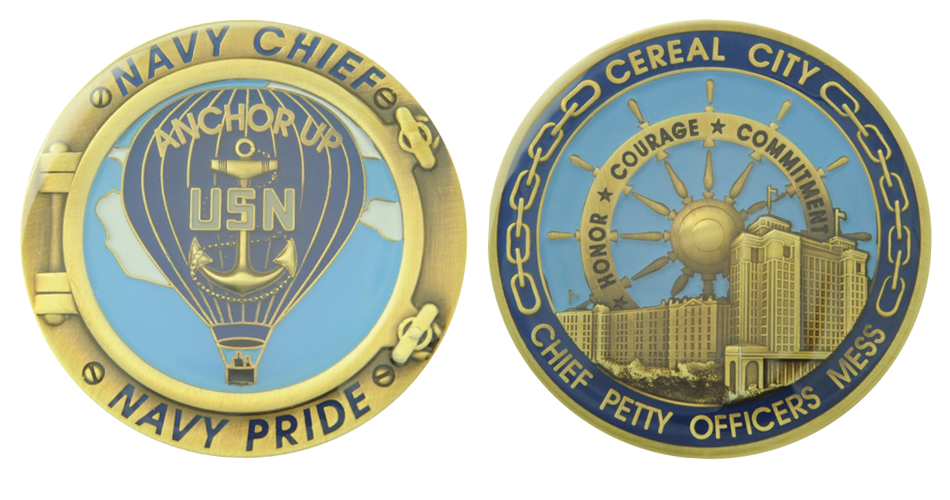
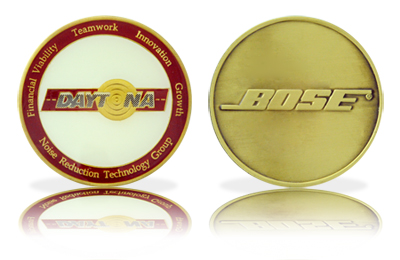
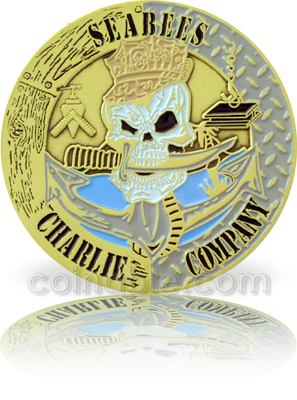
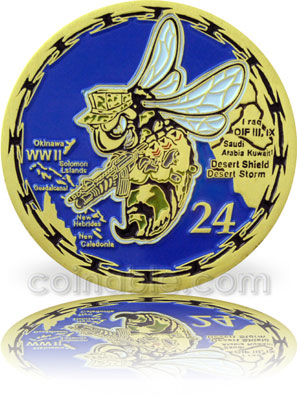
Use a common side and make two different custom coins.
4. Metal Plating & Finishes
The finish defines the personality of your custom coin.
Popular plating options include:
- Antique Gold
- Antique Silver
- Antique Bronze
- Shiny Gold
- Nickel
- Shiny Bronze
- Black Nickel
- Matte finishes
- Two Tone plating combinations
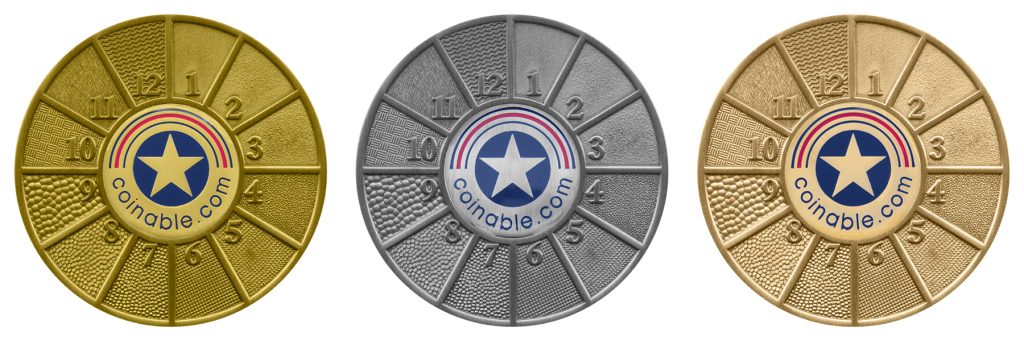
Antique finishes enhance contrast and depth.
Shiny finishes create brilliance and prestige.
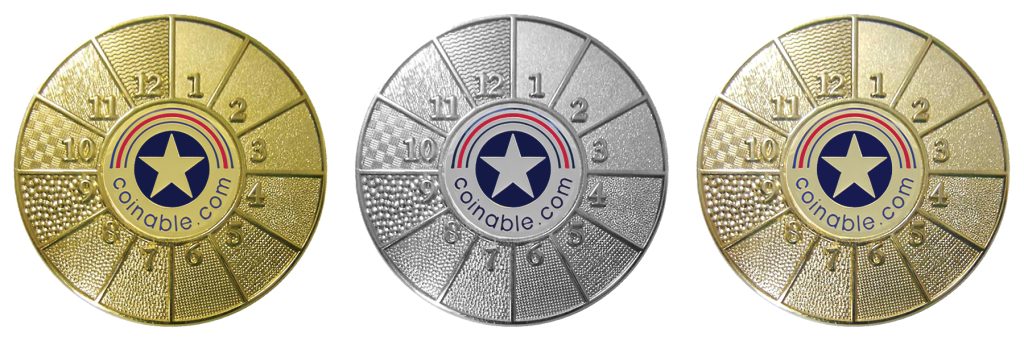
5. Color Application (Optional)
For custom coins requiring color, we offer:
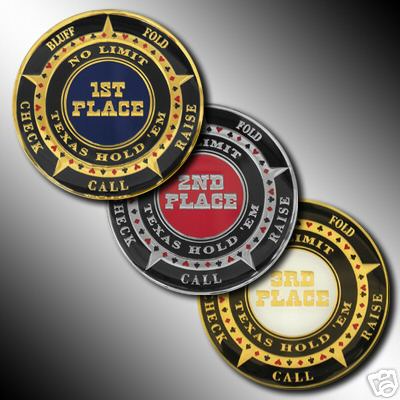
- Soft enamel – red examples
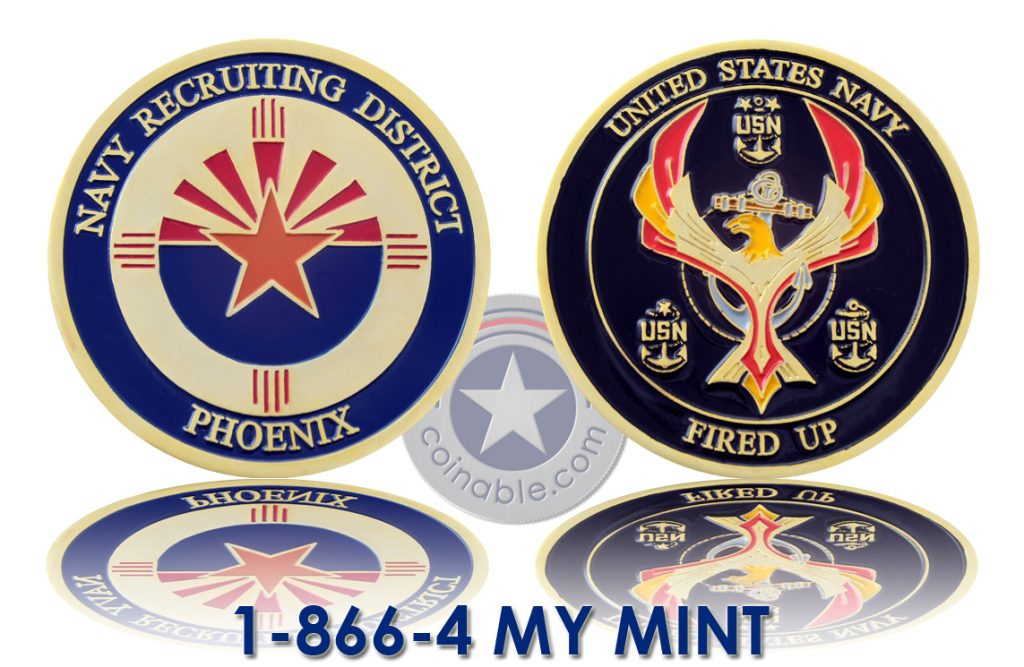
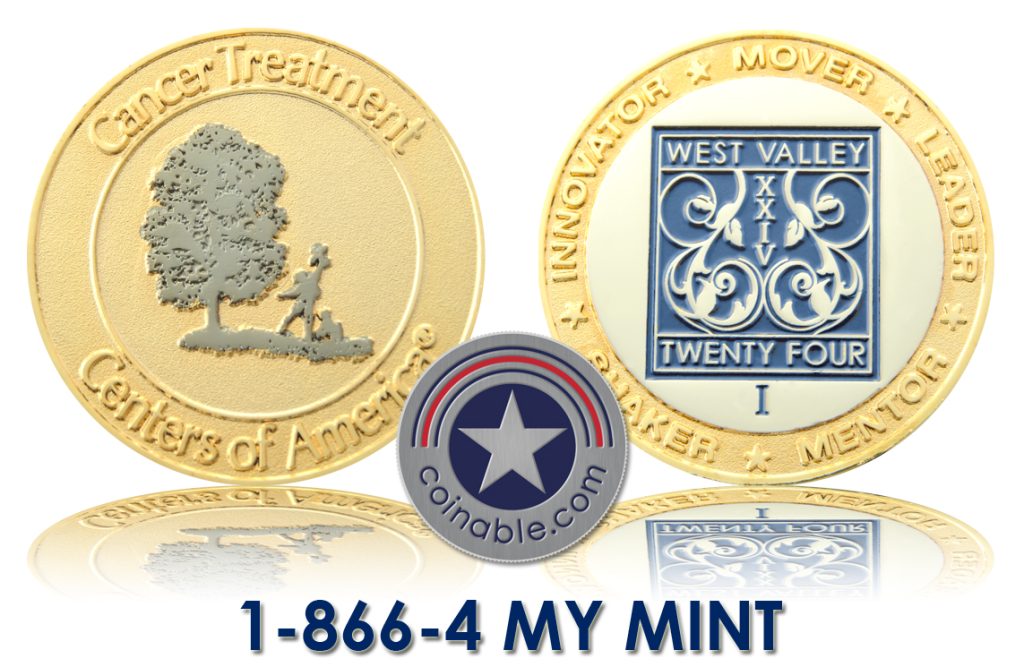
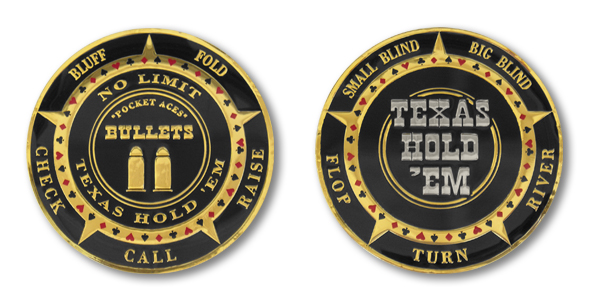
- Hard enamel (smooth, jewelry-like finish) – blue example
- Transparent enamel
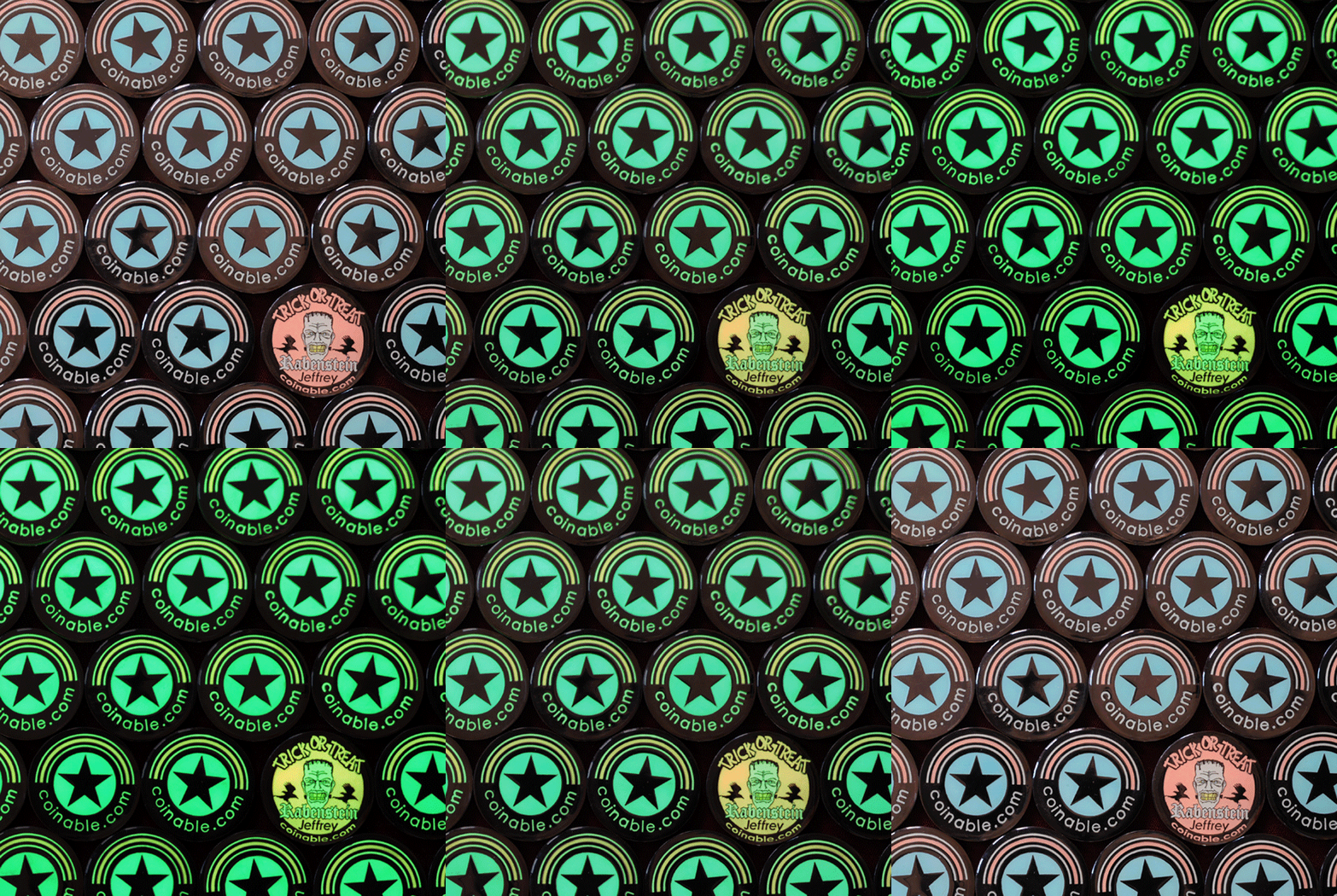
- Glow-in-the-dark pigments
- UV printing
- Epoxy dome coating
Hard enamel custom coins are especially popular for premium corporate and collectible designs.

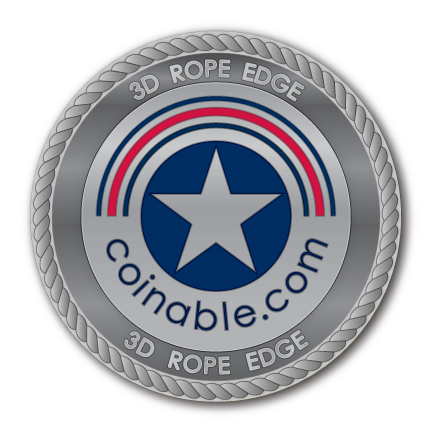
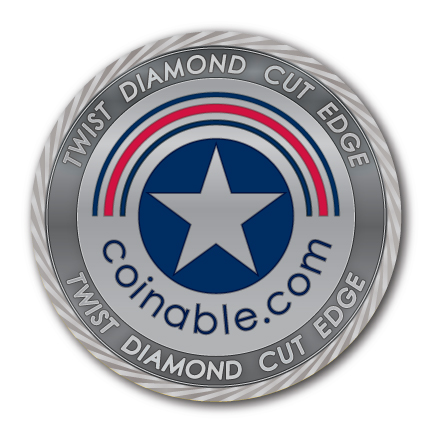
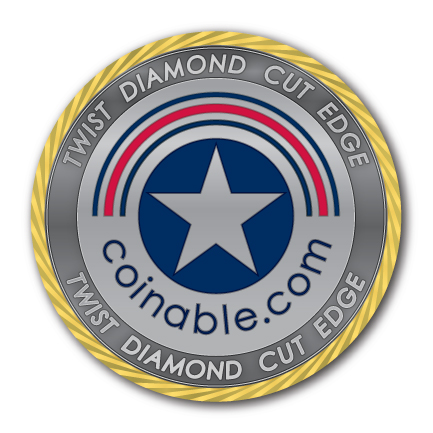
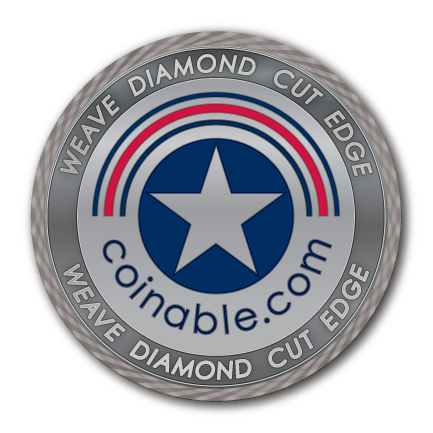
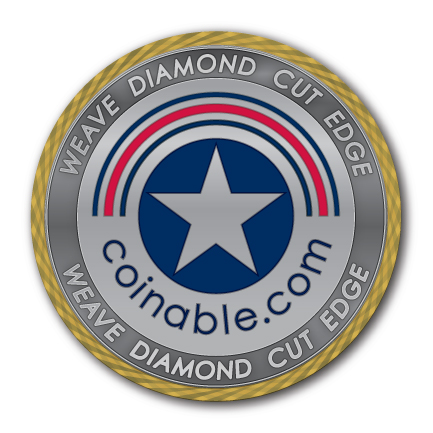
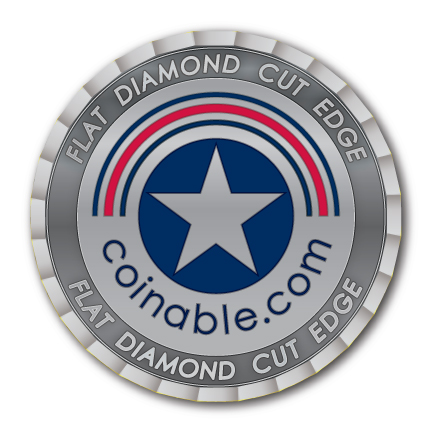
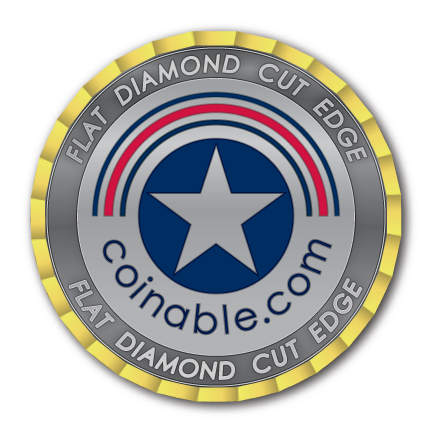
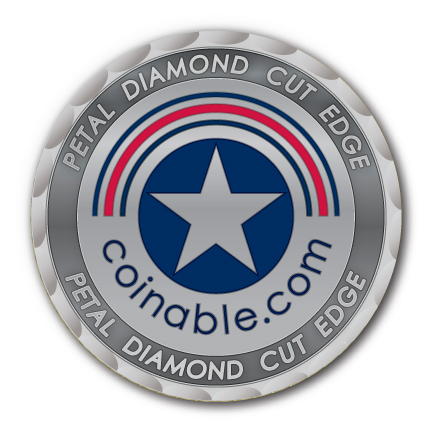
6. Custom Coin Edge Options
The edge is one of the most overlooked features in custom coins — yet it significantly impacts perceived quality.
Available edge styles:
- Standard flat edge
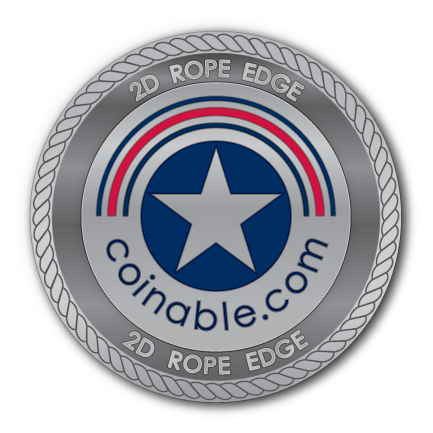
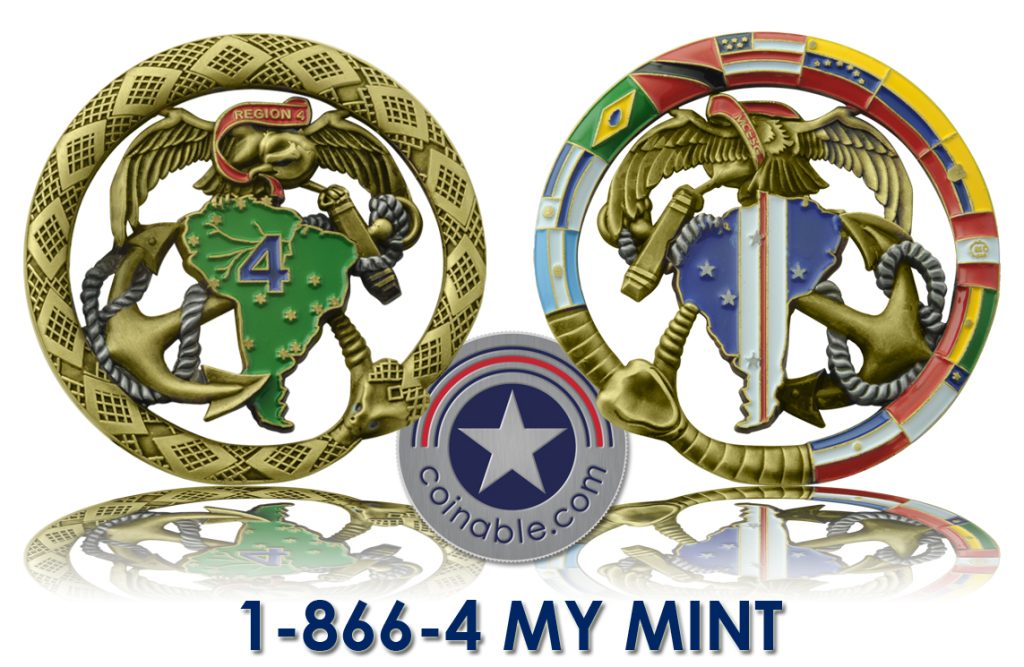
- Rope edge: 2D or 3D
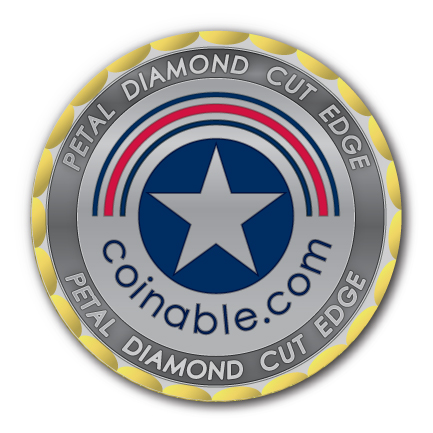
- Diamond cut edge:
- Petal
- Twist
- Flat
- Weave
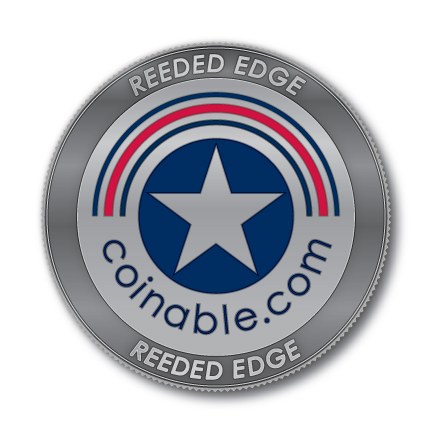
- Reeded edge
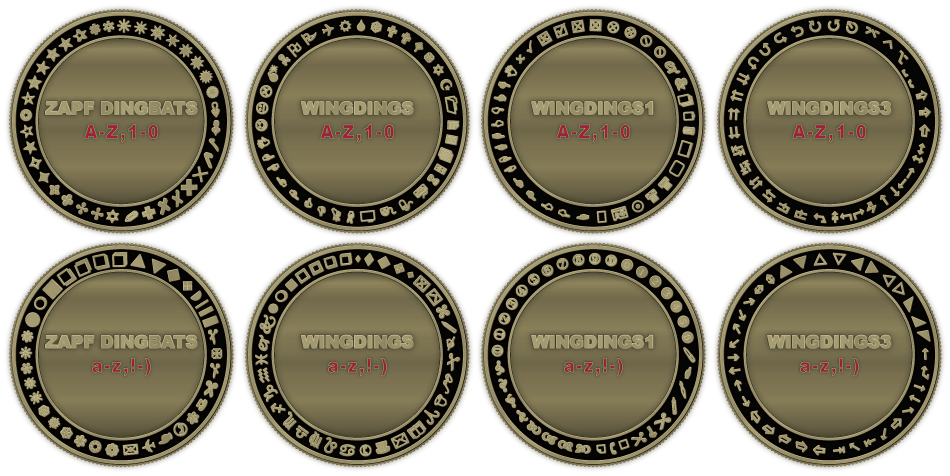
- Engraved edge text
- Sequential numbering
- Edge lettering and numbering are common for limited edition collectible coins.

7. Specialty Custom Coin Features
Want something unique?
We manufacture custom coins with:
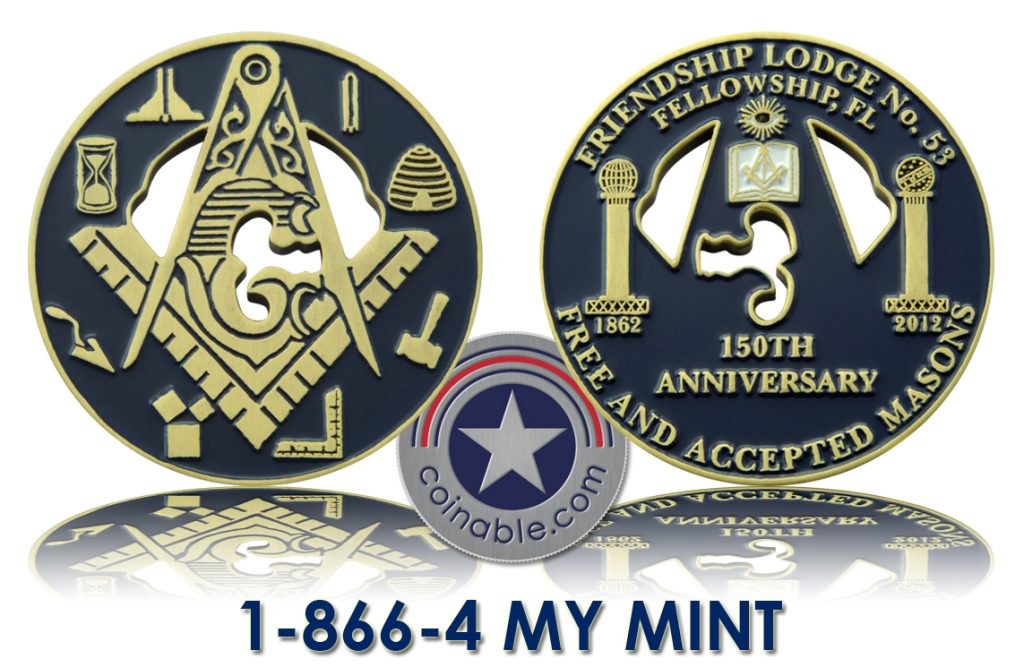
- Cut-outs
- Spinning centers
- Multi-layer construction
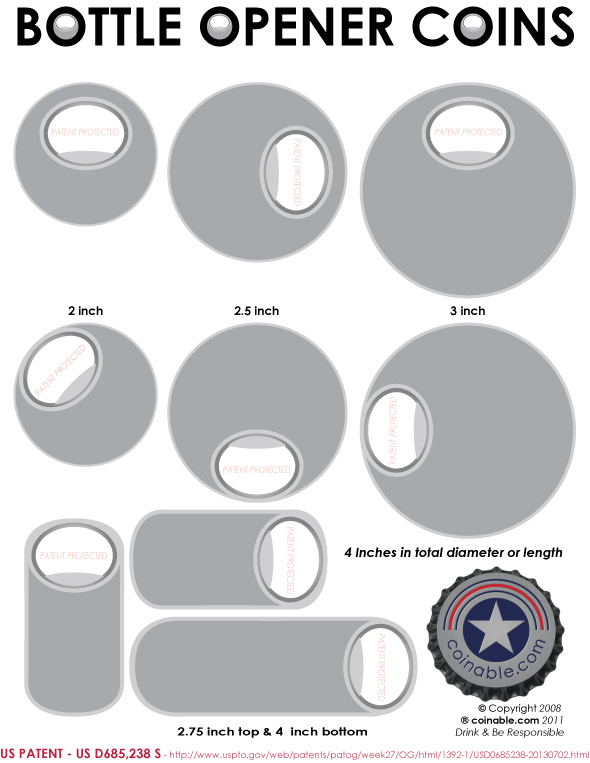
- Bottle opener
- Multi-piece assembly
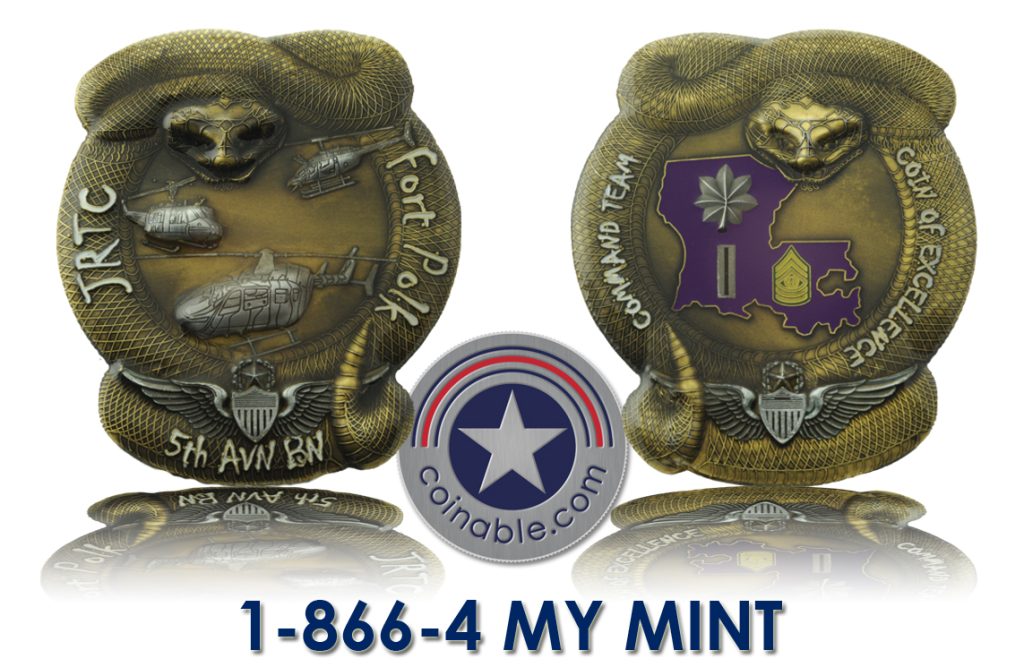
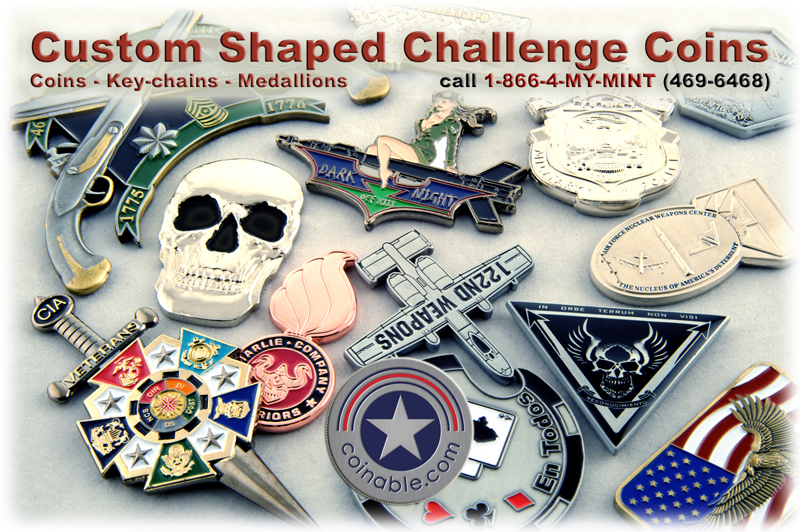
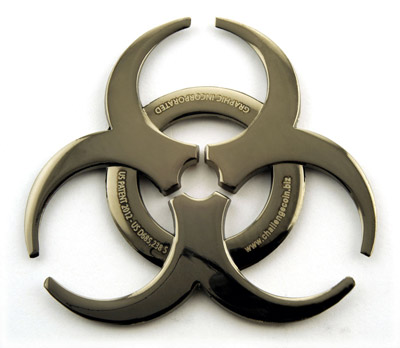
- Custom shapes (not limited to round)
- Glow Paint
- 3D sculpting
Your custom coin does not have to be ordinary.
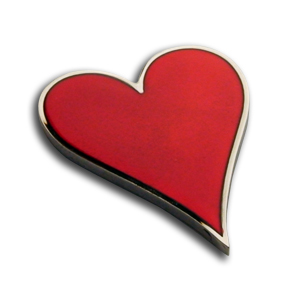
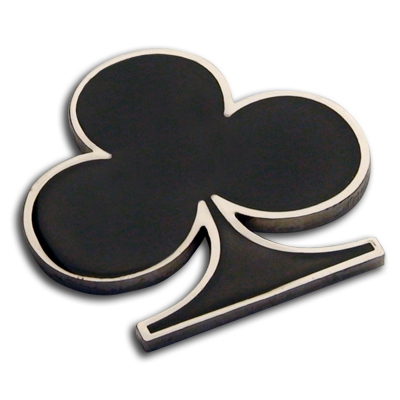
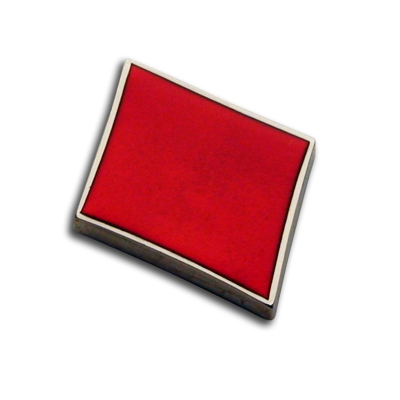
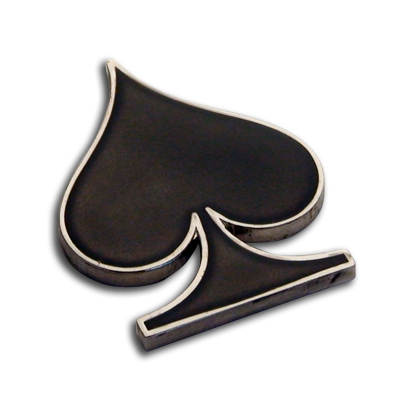
Types of Custom Coins We Manufacture
Custom Challenge Coins
Challenge Coins are perfect for military units, law enforcement, clubs, and organizations.
Corporate Custom Coins
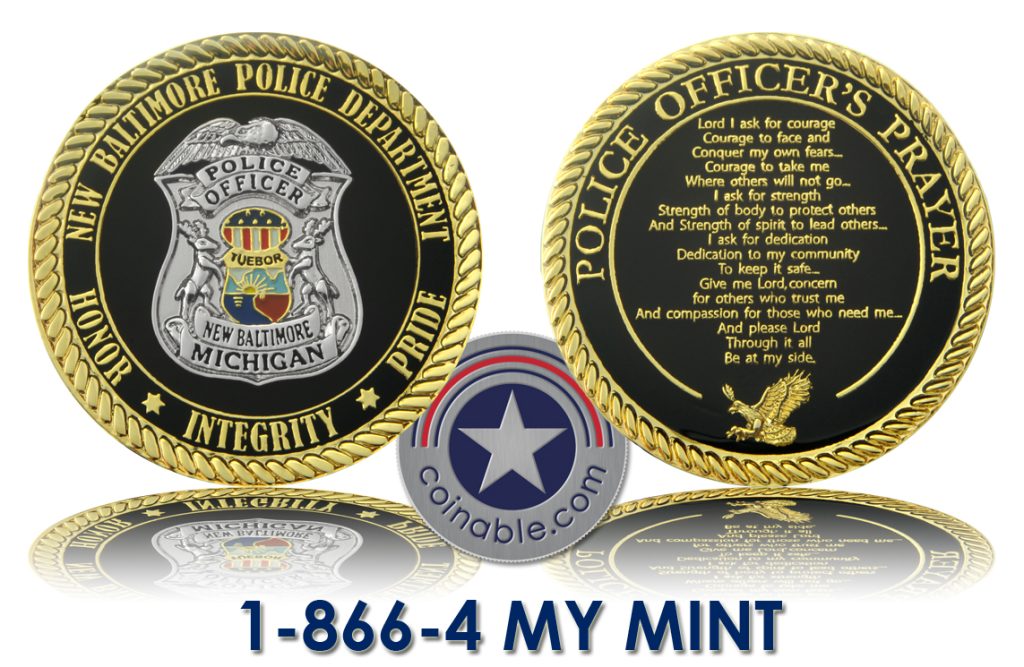
Recognition coins, employee awards, anniversary coins, brand collectibles.
Promotional Custom Coins
Product launches, marketing campaigns, trade shows.
Commemorative Coins
Events, fundraisers, milestone celebrations.
Collectible & Limited Edition Coins
Serialized runs with premium finishes and packaging.
Custom Coin Sizes & Thickness Options
Most popular sizes:
- 1.56 inch custom coins
- 1.75 inch custom coins
- 2 inch custom coins
- 2.25 inch custom coins
- 2.5 inch custom coins
Custom coin sizes available upon request.
Thickness options range from lightweight promotional builds to ultra-heavy premium collector coins.
Bulk Custom Coins & Pricing
Custom coin pricing depends on:
- Size
- Thickness
- Metal type
- Finish
- Color complexity
- Mold detail
- Quantity
Larger orders reduce per-unit pricing significantly.
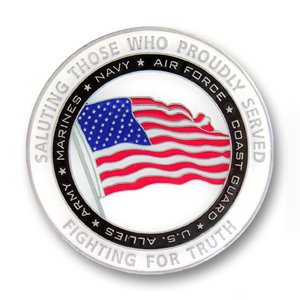
As seen on QVC in 2004, over 800 sold
We specialize in:
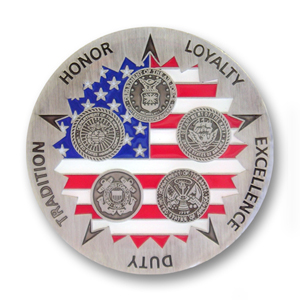
- Bulk custom coins
- Wholesale custom coins
- Scalable production runs
- Cost optimization across multiple manufacturing regions
Request a quote for detailed pricing based on your specifications.
Custom Coin Turnaround Time
Typical production timeline:
- 4–5 weeks after artwork approval
- Rush production available
- Air freight and logistics managed end-to-end
What Makes a Great Custom Coin?
A great custom coin has:
- Balanced relief depth
- Proper weight
- Clean plating
- Sharp edges
- Durable color fill
- Strong tactile presence
We engineer coins not just to look good — but to feel substantial in hand.
Start Your Custom Coin Project Today
If you’re looking for a reliable custom coin manufacturer who understands precision, configuration, and finish — Coinable is ready to build your project.
Tell us:
- Quantity needed
- Preferred size
- Budget range
- Deadline
- Artwork (if available)
We’ll guide you through the process and provide transparent pricing.
Custom Coins Built to Stand Out
Engineered for Detail
Manufactured Without Limits
Request a Custom Coin Quote Today
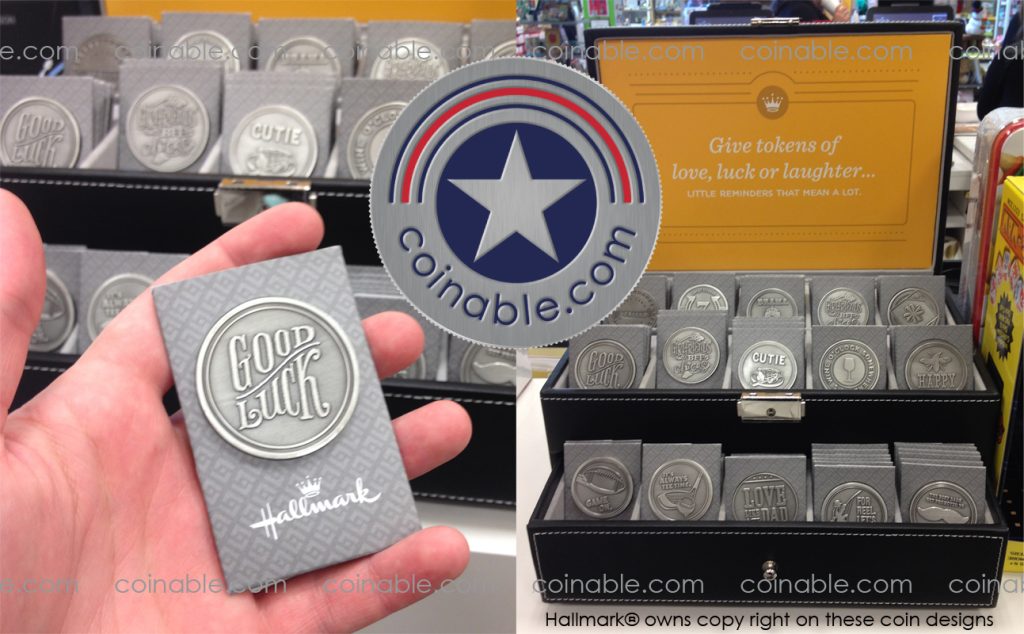
Hallmark Custom Coins
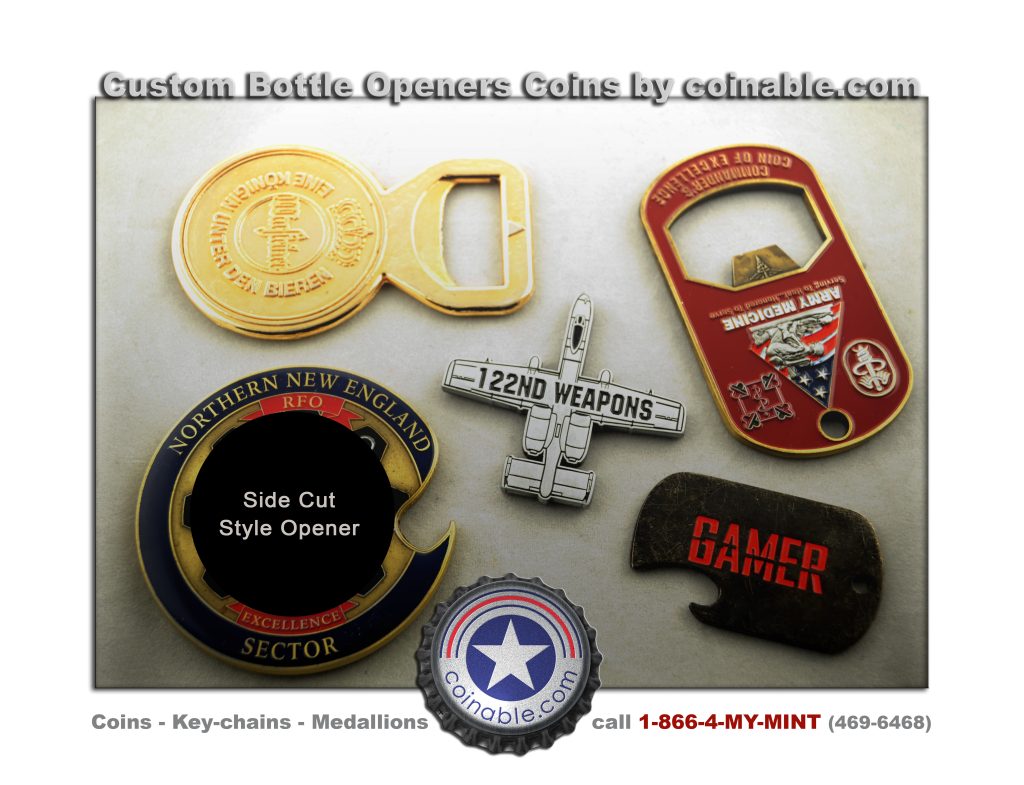
Custom Bottle Opener Coins
AI 3D generated
custom challenge coin designs
now available.